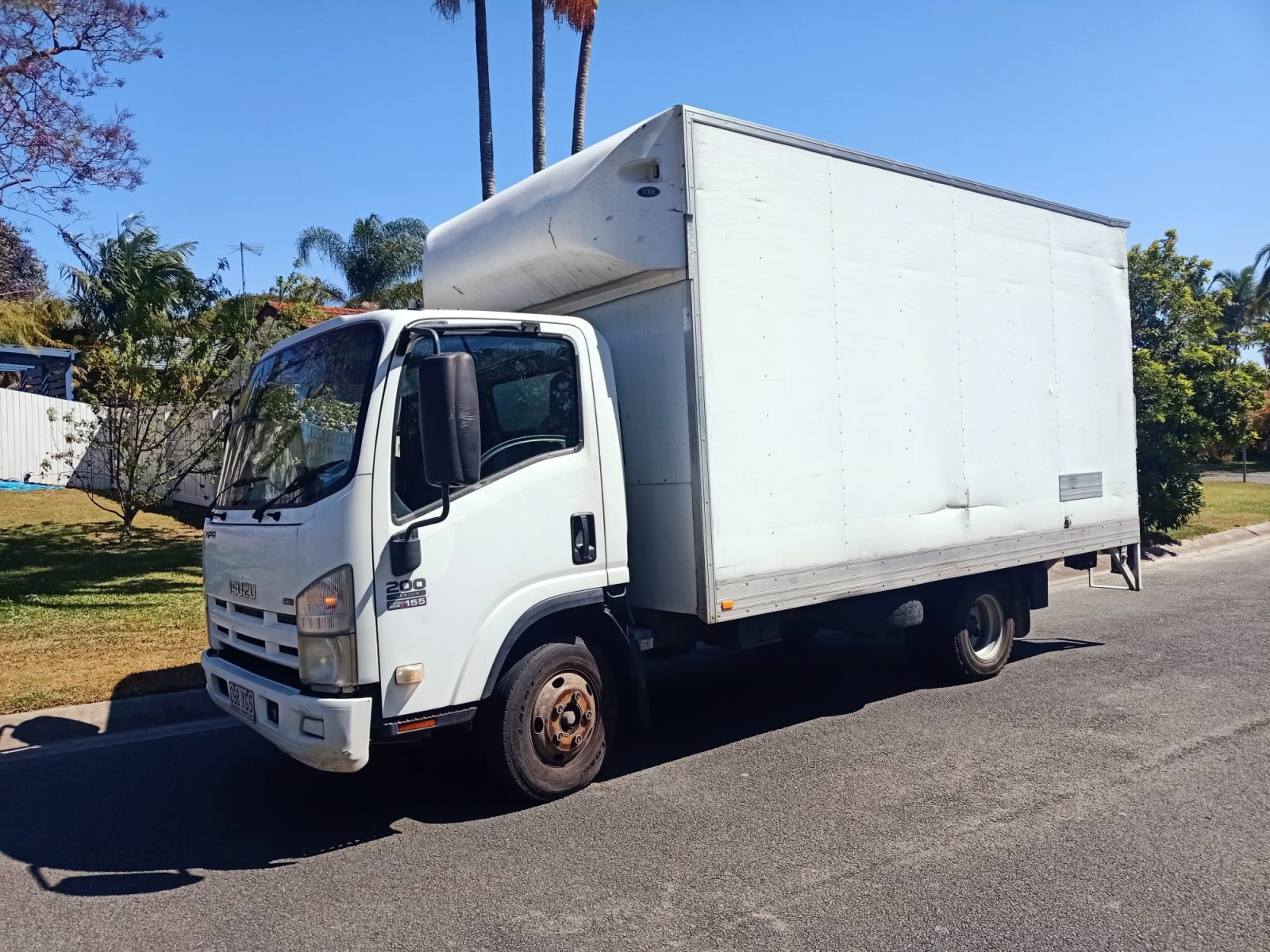
An office relocation is an exciting milestone in any business that businessmen can achieve. Relocation your office could be a sign of growth, a new beginning, or simply an upgrade. On the other hand, there is also the potential for business downtime which could be caused by an office relocation. Therefore, minimizing business downtime during an office relocation is crucial. This could be done with proper planning and strategic execution of your office relocation. This guide will help you to figure out the answer to this challenge.
Ways to Minimize Business Downtime While Moving Office
Plan Ahead: The Key to a Smooth Move
Planning involves experience and creativity to make it successful. This is why right planning is crucial to a smooth office relocation. It starts with developing a detailed project timeline, this includes breaking down the entire process into various phases. Breaking down means; pre-move, move, and post-move activities. It is advisable to assign responsibilities to individual employees or teams. There should also be some buffer time built into the timeline to accommodate unexpected delays.
It is also advisable to undertake a thorough needs assessment, this is done to assess your office needs. For this, you will be required to identify key areas of your office that are of critical importance and must be operational immediately after moving.
Don’t forget, it involves key stakeholders in your office relocation process. You can start planning by informing your employees, clients, and other key stakeholders of your office relocation. Also it is advisable to have a relocation manager or committee to oversee your office relocation process.
Maintenance of Business Operations During the Move
Productivity describes the health of business. This is why maintaining productivity is one of the biggest concerns that businesses face during relocation. A phased approach to relocation is helpful in maintaining business productivity, this means that different teams or departments are relocated in stages. It helps in maintaining business productivity as different teams are functioning in different locations.
Remote work. These two words are also helpful in maintaining business productivity. Remote work means that employees are allowed to work from home, this helps in maintaining business productivity as employees are allowed to work from home.
Temporary workspaces are also helpful in maintaining business productivity, these include; co-working spaces and rented offices. Temporary workspaces are helpful in maintaining business productivity as meetings and calls can be conducted in these temporary workspaces.
Clear communication is also an underrated way. In fact, staying transparent with clients is also helpful in maintaining business productivity. Clear communication with clients helps in:
- Maintaining business productivity
- Maintaining client trust
Technology & IT Preparedness
Nowadays, technology is a crucial aspect of their daily operations, execution. This is why the smoothness of the relocation process can depend on the role played by technology. So, it is recommended that you start by conducting an IT audit to determine all the essential IT hardware and software. Make sure you also need to consider IT systems that should be installed immediately in the new office. This includes your; servers, workstations, and phone systems.
It is also essential to consider the backup of essential IT systems as well. This is because servers, databases, and cloud services, helps to prevent any form of data loss. It would be wise to consider cloud storage for your IT needs to enhance security during the transition period.
There is also one thing that you can do, hiring IT experts to help in the relocation process. They can significantly reduce the amount of downtime experienced, IT experts can; disconnect, move, and connect IT systems, thus reducing the chances of any issues arising in the process.
Employee Engagement & Communication
Employees are the fuel of business and they are an integral part of a successful relocation. This is why it is essential that they remain informed throughout the relocation process, this will not only minimize stress but also ensure high morale. We recommended that you inform your employees about your relocation plans, explaining what they need to do and at what time.
Handling tasks is important, dividing tasks among small groups encourages employee ownership. Here’s the tasks; packing, logistics, and IT.
Offering flexible work arrangements. For example; staggered work hours or telecommuting, this could be beneficial in helping your employees cope with their workload without feeling overwhelmed.
Optimize Office Layout & Logistics Before Moving
When it comes to planning an office move. It is always beneficial to plan your office layout in advance, this will allow you to create a floor plan that optimizes space allocation for your office desks, meeting rooms, and other facilities. This is also beneficial in that your employees will be able to get settled quickly.
Organizing your office equipment can be a challenging task. That’s why when it comes to this task, it is always beneficial to color-coded your boxes according to your departments. This is because it will also allow you to create an inventory checklist of your items. Label your items as high priority if they are essential. This will ensure that your office is up and running quickly.
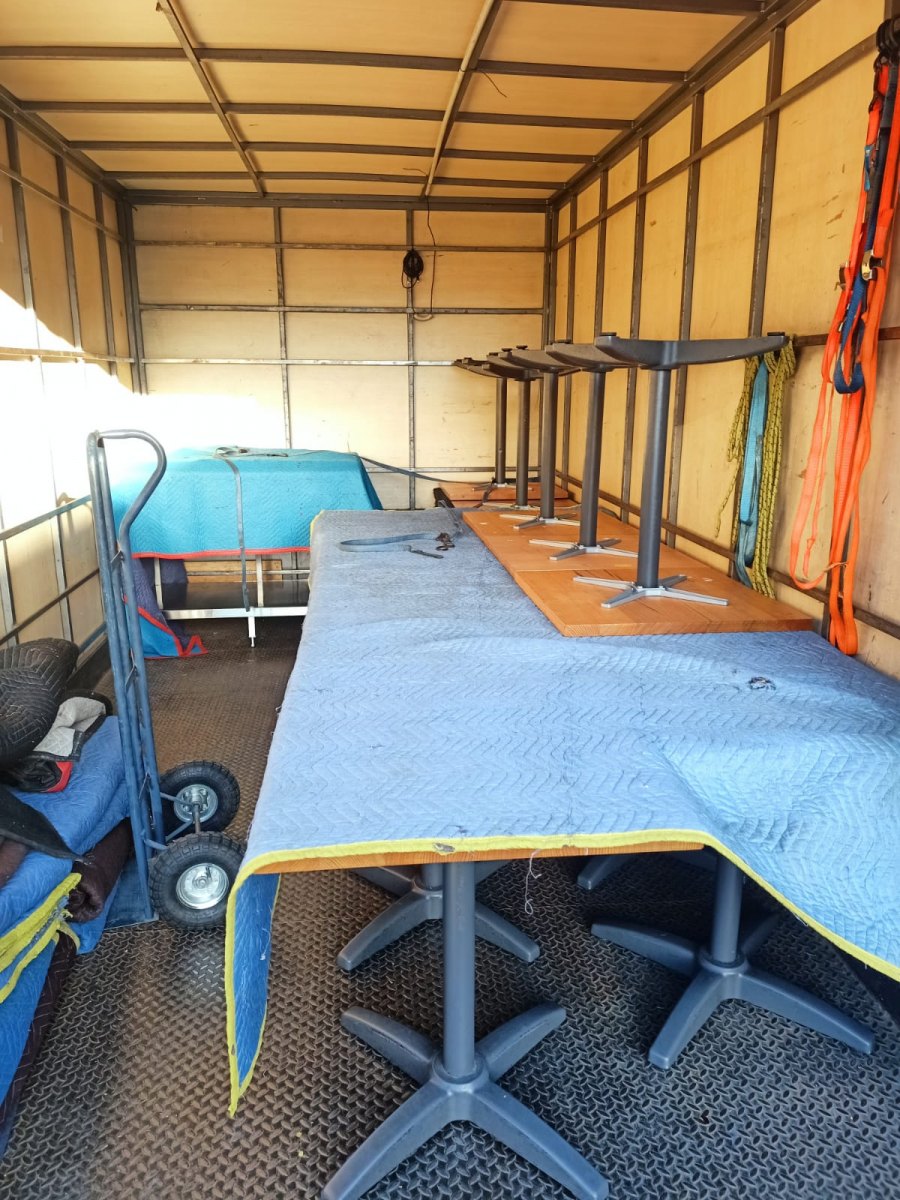
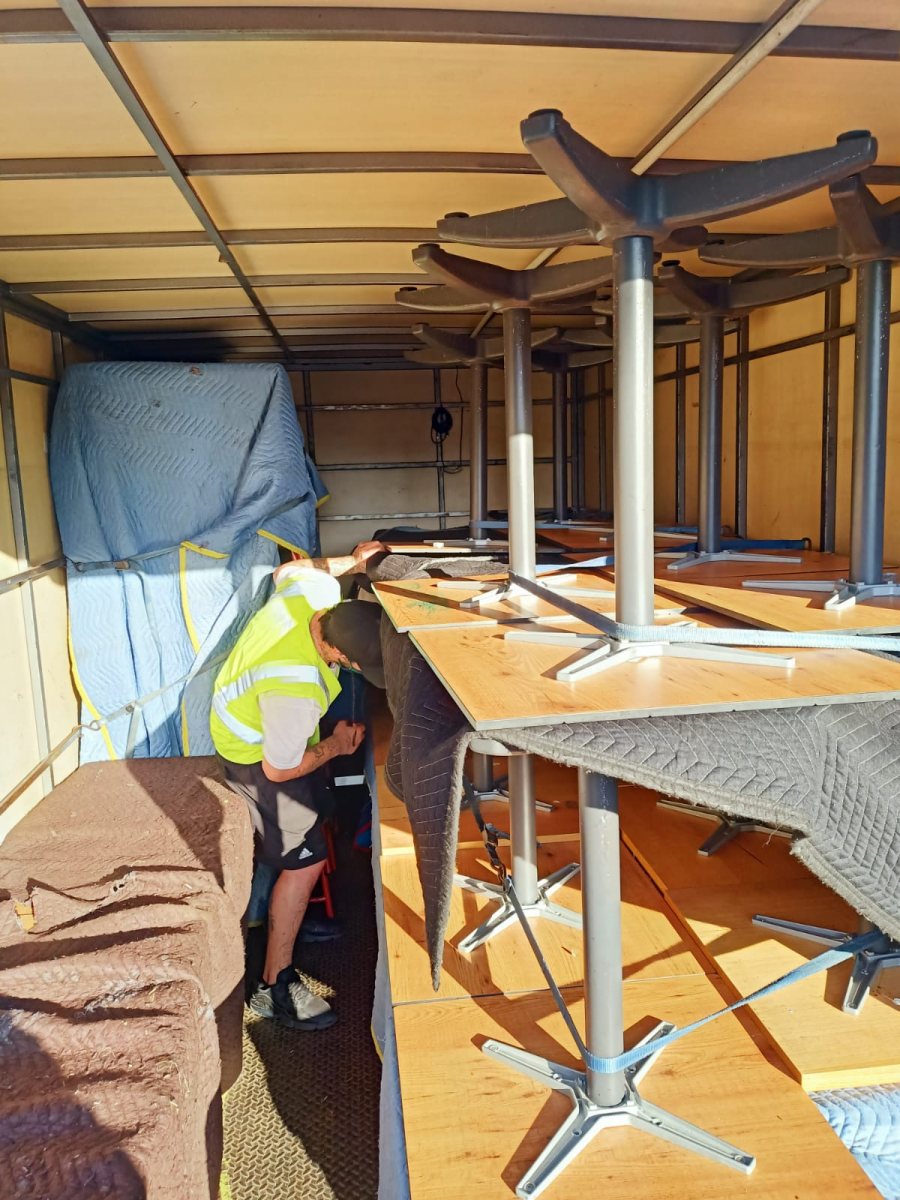
Hiring office movers like AU Safe Office Removals is also the best thing that you can do. Remember it is always beneficial to work with experienced professionals because they have experience in handling business moves. Moreover, they also understand the importance of being on time.
Post-Move Productivity Strategies
After moving, the next strategy is to establish business productivity right away because this ensures all critical business systems are in place and functional. Things like IT infrastructure, communication systems, and other essential office equipment and furniture are one of them that you need to take care. It is also essential to check the functionality of internet connectivity, phones, and other equipment.
Don’t forget to check the employees’ response to the new business setup and environment, this will help in ensuring that employees adjust smoothly to the new business environment. And this helps you to know that there is no frustration in the future.
It is also essential to communicate with clients and other stakeholders after the business move and assure them that the business is now again fully functional and operations.
More Tips to Reduce Downtime
There are some more tips that can be implemented to minimize downtime. Some of them include:
- Outsource Tasks from professionals for non-essential work.
- Keep essential items easily available during the move.
- Move during low traffic timing or off-peak hours.
- Always prepare for unexpected issues.
These are the simple but effective tip that you can implement, by knowing these even unexpected situations can be tackled effectively.
Conclusion
Office relocation is not done in a way which reduces productivity and revenue. It is possible to relocate an office and still maintain business continuity through;
- Meticulous planning
- IT readiness
- Communication
- Employee engagement
It is also possible to relocate an office in stages and still maintain business continuity. This is especially when the right technology is put in place and the right communication strategy is employed. There’s also another way in which you can hire professional removals like AU Safe Removals.
FAQs about How to Minimize Business Downtime During Office Relocation
How do I minimize downtime during my office relocation?
Plan well, communicate effectively to the employees and clients, and perform the relocation in phases.
Is it advisable to let the employees work remotely during the relocation period?
Yes, this ensures business continuity while critical systems are being relocated.
How critical is IT planning before the relocation?
Extremely critical; backup data, test systems, and internet connections, and servers should be set up before the relocation.
What is the best time to perform my office relocation?
The best time is when there is little traffic, e.g., off-peak business hours.
What if problems arise during the relocation process?
Have contingency plans and resources in place to ensure business continuity.